
See the tools before you sign in
Current web screens, with a short explanation of the work each one supports.
Captured from the deployed web portals on . Portal previews show blank forms; no customer, payment, or private account records are included. These are web features, which may differ from the Android beta.
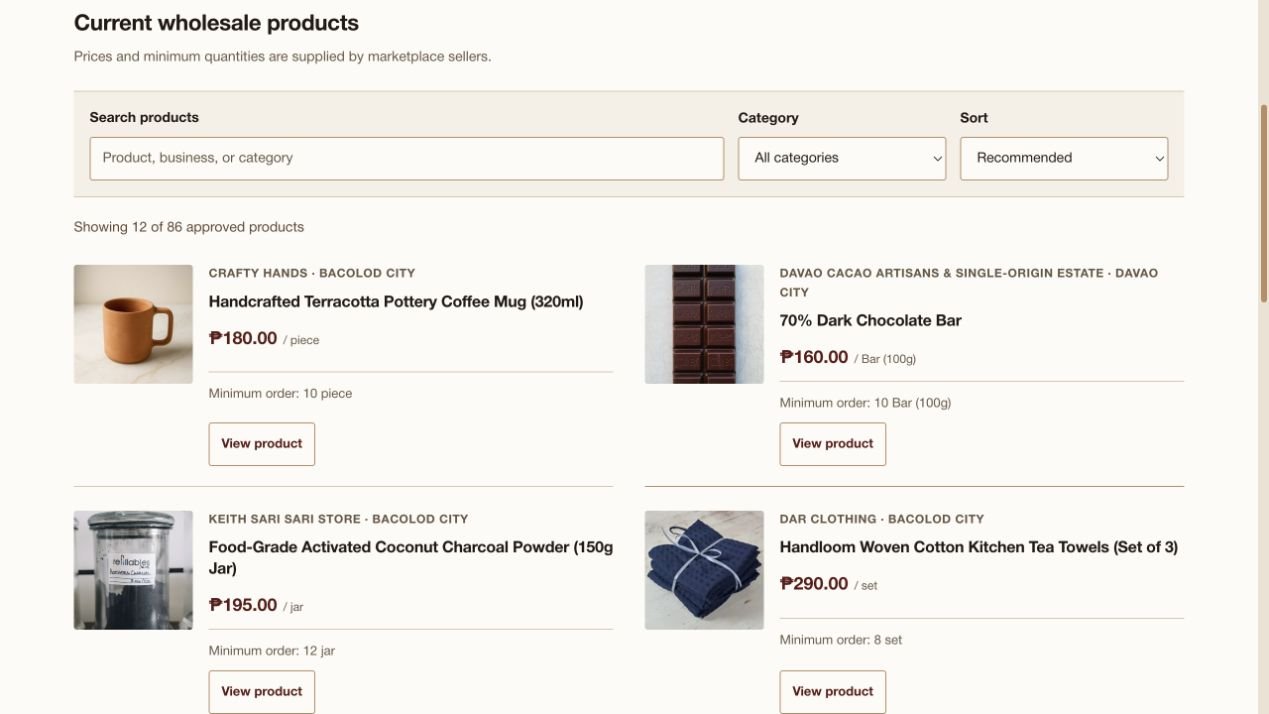
Browse the current marketplace
Search products and compare the listed price, unit, minimum order, and supplying business. Prices in this screenshot are a snapshot; open a listing for current details.
Browse current products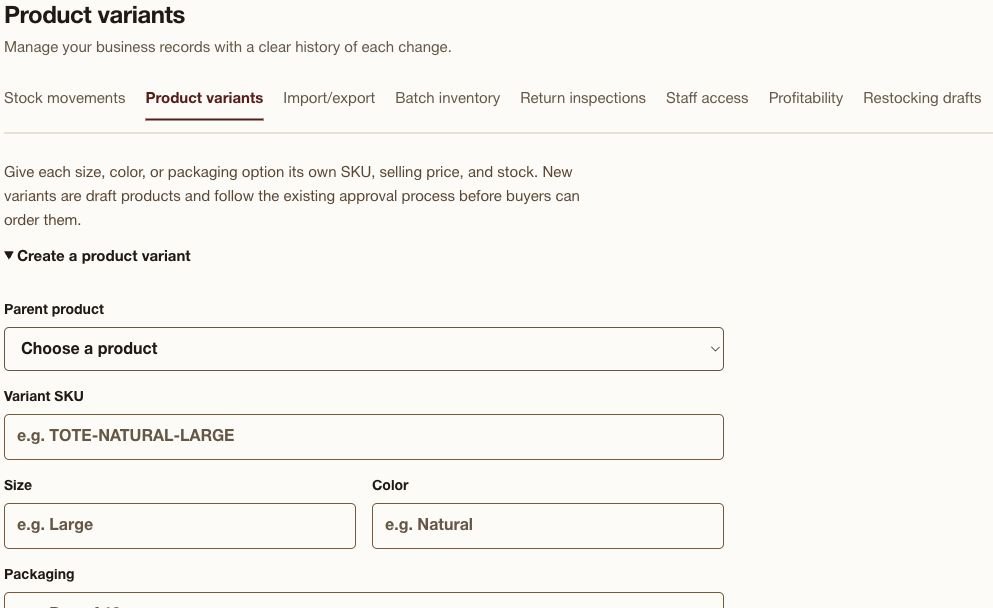
Keep product options separate
The seller’s variant form gives sizes, colors, and packaging options their own SKU, selling price, stock, and optional unit cost. New variants follow the listing review process.
Open seller operations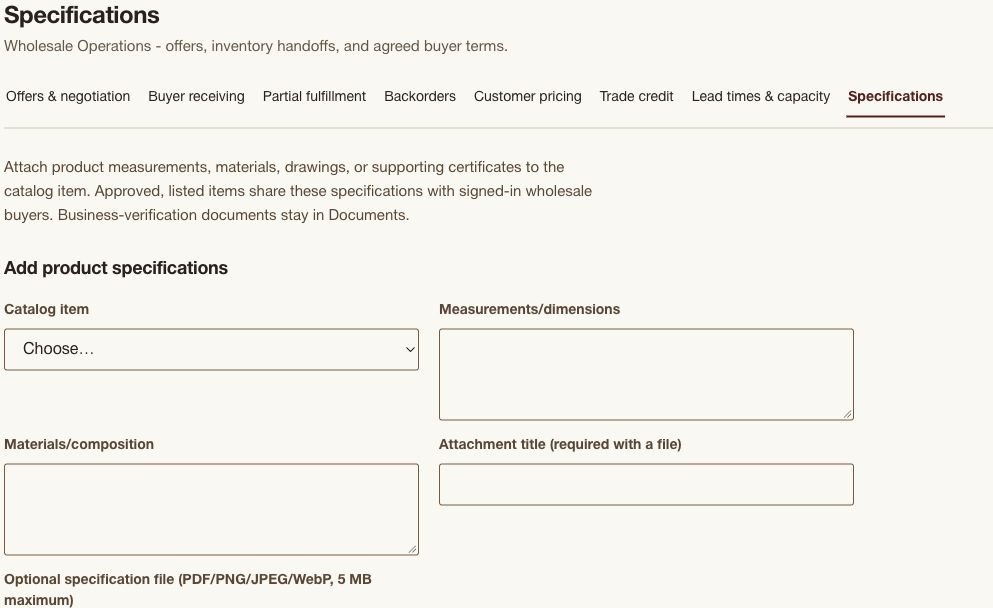
Share supply specifications
Suppliers attach measurements, material details, and supporting files to catalog items. Eligible specifications are available to signed-in wholesale buyers.
Open wholesale operationsMore tools in the current web portals
- For buyers
- Product comparison; saved searches; stock and price alerts; delivery/pickup windows where offered; order issue and return requests; verified-purchase review indicators, review photos, and seller replies.
- For sellers
- Stock movement history; product variants; CSV catalog import/export; expiry batches; return inspections; staff permissions; product margins; restocking drafts.
- For suppliers and manufacturers
- Revised quotations; purchase-order receiving; split shipments; backorders; buyer pricing; trade credit records; lead times and capacity; specification attachments.
- For authorized administrators
- Dispute cases, moderation reports, document reminders, approval queues, related activity, observed service health, restore-verification records, feature access, abuse review, and support escalations.
Availability depends on your role, permissions, business approval, and enabled features. Choose your portal.